
The School Says It Teaches AI Safety. What Would That Look Like in Your Kid’s Classroom?
A National Parents Union survey found 85% of parents support AI-safety instruction and 86% support banning tech companies from harvesting children’s data. Ask your school about student accounts, prompt history, and which adult helps when a tool gets something wrong.
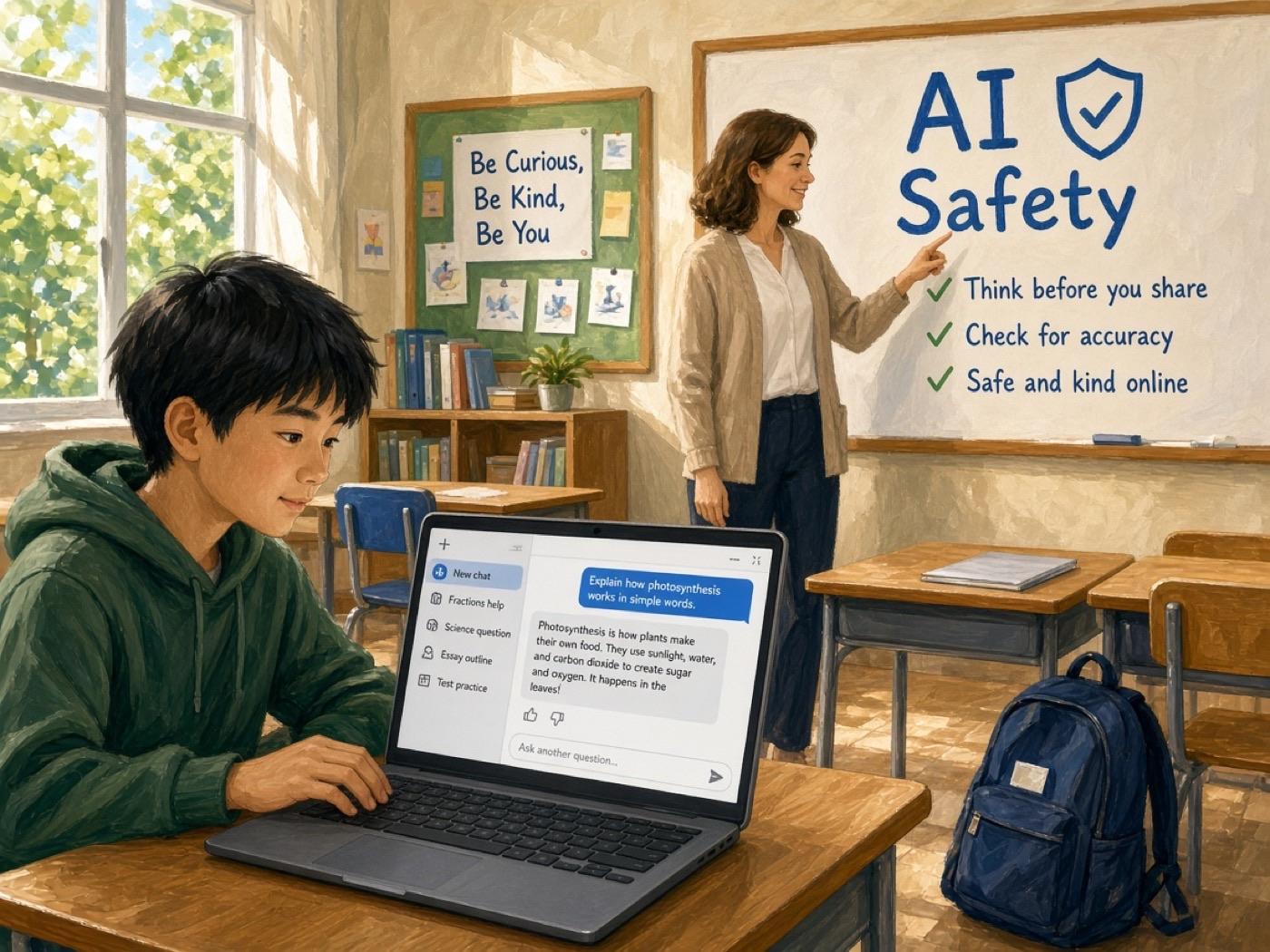
The slide deck says AI safety. Your kid already used a chatbot for a science paragraph last week.
A September National Parents Union survey, conducted by Echelon Insights, found that 85% of public-school parents support teaching students about AI safety. Eighty-six percent support banning technology companies from using or harvesting children's online data.
The agreement is broad. The Tuesday test is narrower: your child logs into a school tool, types a prompt, and the answer comes back wrong, weird, or too personal.
Ask whose account your child uses, who can see the prompt history, and which adult they should find when the tool messes up.
Parents want AI safety taught and kids' data protected. In the classroom, that means clear rules about accounts, saved chats, and who helps when the tool is wrong.
What parents said they want
The National Parents Union polled 1,528 parents of public-school students from Sept. 7 to 11, 2026. The release came out Sept. 28.
Eighty-five percent support teaching AI safety. Seventy-seven percent support teaching students how to use AI tools effectively. Seventy-nine percent want every public school teacher trained in digital and AI literacy.
Parents also want purchases screened. Eighty-one percent support barring schools from buying technology that is not proven safe and effective for learning. Seventy-nine percent want a federal agency to evaluate education technology.
Eighty-six percent support banning tech companies from using or harvesting children's online data.
Most families still want some tech in the room. Only 11% want screen time banned in kindergarten through second grade. Seventy-eight percent want limits without a full ban.
Seventy-one percent support banning chatbot use during the school day. Unlimited chatbot access still makes a lot of parents uneasy.
NPU president Keri Rodrigues said parents do not want an AI free-for-all, and they do not want kids shut out of the tools that will shape their future. They want guardrails, trained adults, and data protection.
Student accounts: whose login is on the Chromebook?
Start with the account. Is your child using a school-managed login, a class code that many kids share, or a personal account they created with a home email?
Shared class codes make AI-safety rules hard to check. Nobody owns the history. Personal accounts can send chat logs to a company product that was never built for a 12-year-old's science class.
Ask who created the account, who can reset the password, and whether the tool sits under a district contract with student-data rules. If the teacher says kids should "just sign up," push back. That setup conflicts with the privacy priority in the NPU numbers.
Also ask what happens when a child under 13 needs access. Some tools lean on school consent. Some quietly push personal signups.
Get the district answer in writing before conference night.
Prompt history: who can see the chats, and for how long?
AI safety posters often say "think before you share." Ask who sees what was already shared.
Can the teacher open your child's prompt history? Can an administrator? Can the vendor?
How long are chats stored? Are prompts or outputs used to train a model?
Ask whether a homework helper keeps a sidebar of past chats on the school device, and whether those chats sync to a cloud account your child cannot delete. Ask whether a parent can review the history the way you can review a school email inbox.
If the school cannot answer retention and training-use questions, keep asking. The NPU data-harvesting finding is about this layer, including school tools, not only ads on a free consumer app.
When the tool gets something wrong
"Do not trust everything" is a start. Kids still need a person to go to.
Ask the teacher: if the chatbot invents a citation, invents a date, or gives medical or mental-health advice, what should my child do in the next five minutes?
Raise a hand? Message the librarian? Close the tab and redo the work alone?
Ask how the class practices checking answers against a textbook, a primary source, or the teacher's notes. If AI safety is a unit, ask whether that unit includes a live demo of a wrong answer and a script for asking for help without getting in trouble for "cheating" by using the assigned tool.
Our earlier brief on AI companions covers the home version of confident-sounding wrong answers. School tools can do the same thing. The classroom fix is a named adult, plus practice, not only a digital-citizenship poster.
Questions to bring to the next school meeting
Try these with the principal or the teacher who owns the tool:
Which AI tools are approved for my child's grade, and which student account is required?
Who can see prompt history, how long is it kept, and is any of it used for product training?
If the tool returns a wrong or inappropriate answer, which adult should my child find, and how is that taught?
Has every teacher who assigns the tool completed the district's AI or digital-literacy training?
NPU also points families to MyKidMyData.org for templates aimed at principals, superintendents, and lawmakers. Use it if your district's FAQ stops at "we teach responsible use."
The survey says parents want AI safety taught and kids' data left alone. Ask what that looks like on the Chromebook your child opens after lunch.